Wireshark's TLS 0-RTT Early-Data Capture
This article shows how to capture TLS1.3 0-RTT early-data from Chrome browser by wireshark on Mac.
Close all your Chrome instances and start a new instance which will output SSL key to a log file.
SSLKEYLOGFILE=~/temp/sslkeylog.log /Applications/Google\ Chrome.app/Contents/MacOS/Google\ Chrome
Next, we need to enable the 0-RTT feature on Chrome, according to the introduction here
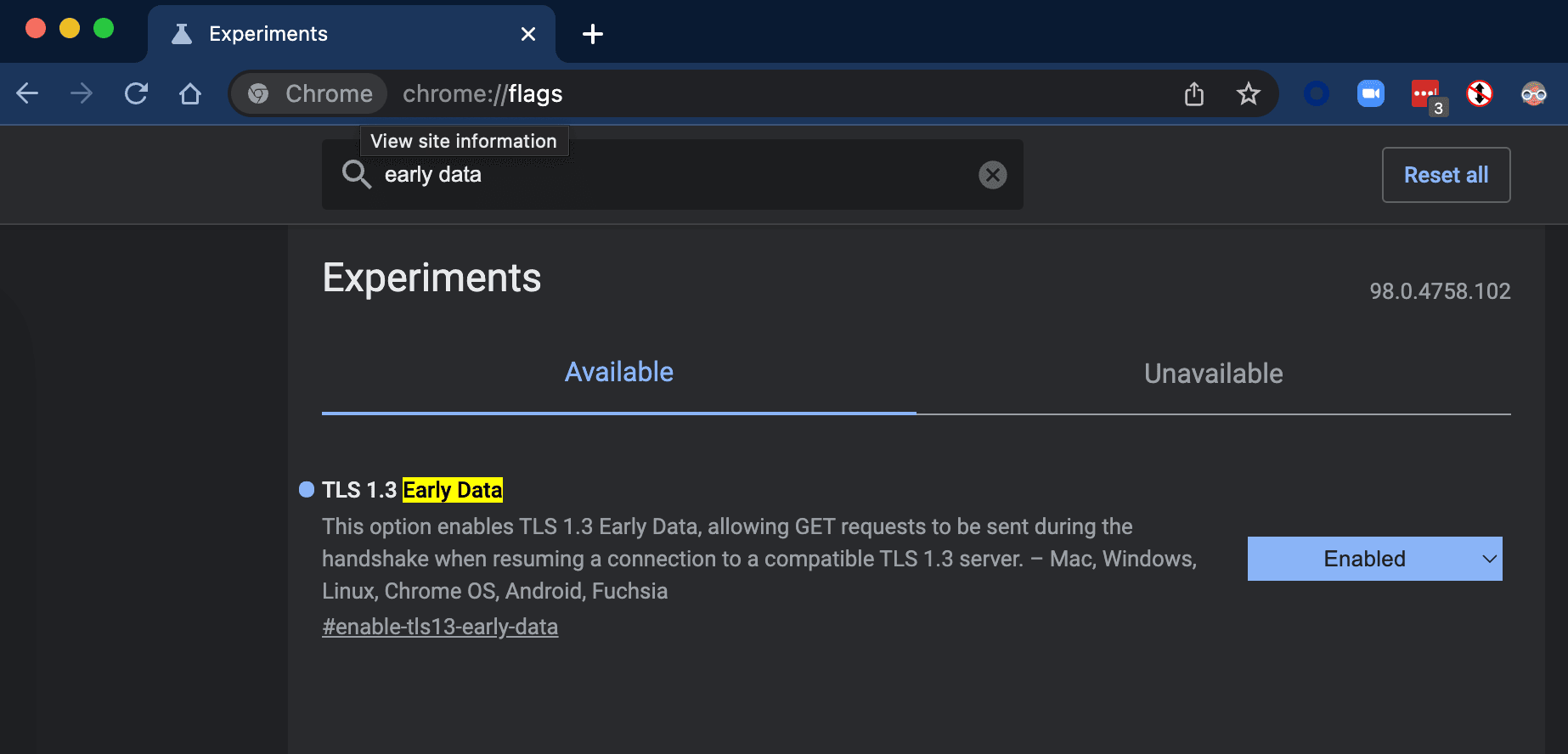
Enter chrome://flags to address bar, then find「TLS 1.3 Early Data」flag and enable it.

Let Wireshark know where is the SSL Key locates, put path of SSL key log file in below dialog
Wireshark --> Preference --> Protocols --> TLS --> (Pre)-Master-Secret log filename

Now we can start Wireshark's capture
Optionally, you may want to set a capture filter to only capture IP ranges of server you cares to reduce noises, like
net 151.101.0.0/16
Now from browser access a site like https://httpbin.fastly.work/html which supports TLS1.3 0-RTT
And you will get capture on wireshark like this, the green part are decrypted messages

Wait for few minutes, make sure from Wireshark that connection is closed, then access https://httpbin.fastly.work/html again, you will find new TLS connection's Client Hello, will come with the early-data.
